A long time ago I found mentions of a filesharing service of some sorts. I was happy enough with torrents, but gave it a shot. It had been only a few years since I dropped Limewire and Kazaa because to many fake results and files started popping up. SoulSeek was introduced to me as a large connected community of file sharers, focused on music above all. But here and there I was able to find games, books, shows and much more!
While there is a native SoulSeek version for Linux, I tend to use Nicotine+ for some of it's extra options. I will cover the basic SoulSeek in this mini guide however. A lot of the same steps apply to both programs and pretty much all options are in the same places.
Over 20 years after finding it, it's still useable and still has people in the chat rooms, too! Soulseek and it's Linux variant are easy to learn and don't require much tech skills or knowledge. Let's start;
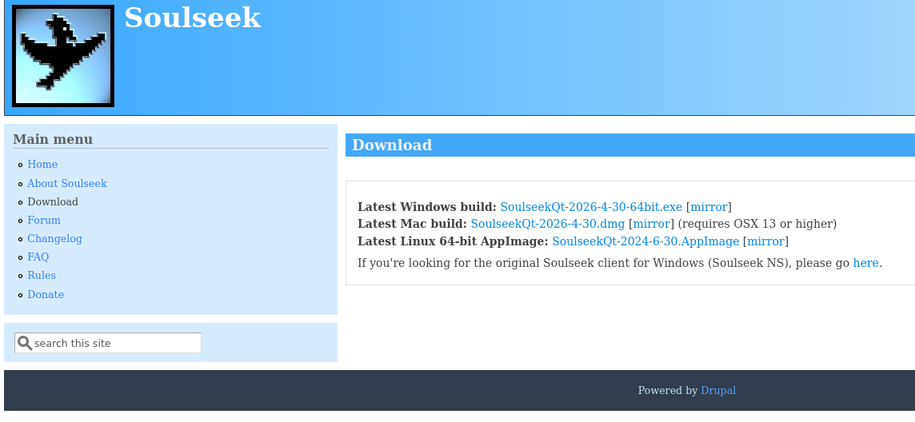
You can find the client by going to their website, slsknet.org, from there you can go to the download section and grab it.
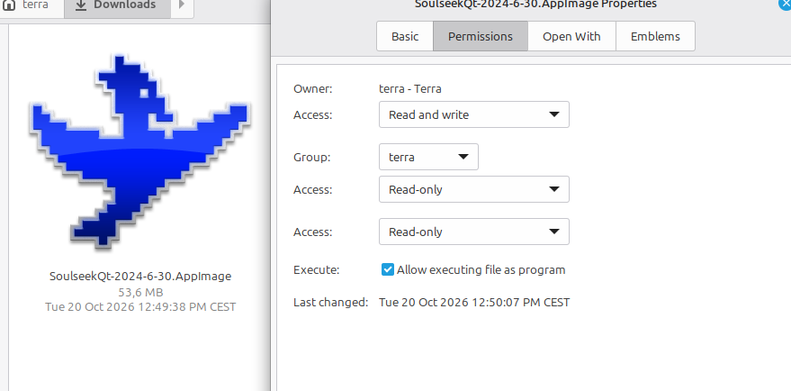
Pick your version, and then open it. When using the Linux version, you may need to right click the AppImage file, go to the Permissions tab and tick "Allow to run as program".
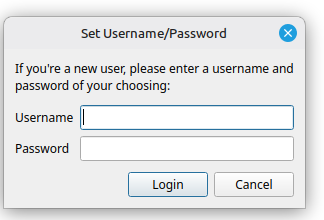
You will first be asked to make an account. It will only ask for you to make a Username and Password, no email, no phone numbers, nothing. This is not something you have to heavily commit to either. You can always log out and just make a whole new name. Your username will be the one people see when downloading from you and in the chats.
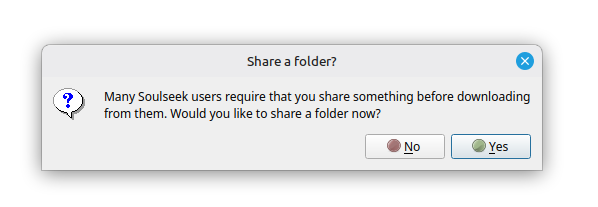
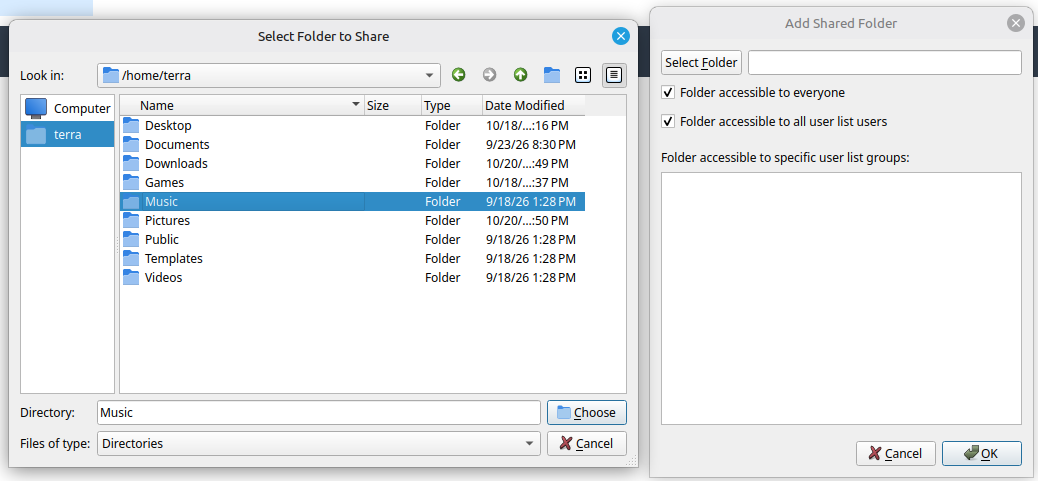
Next is setting you Shared Folder(s). You can select folders from your drives to be seen and downloadable by others. A good start is just putting in your music folders, stuff with programs or books you're willing to share.
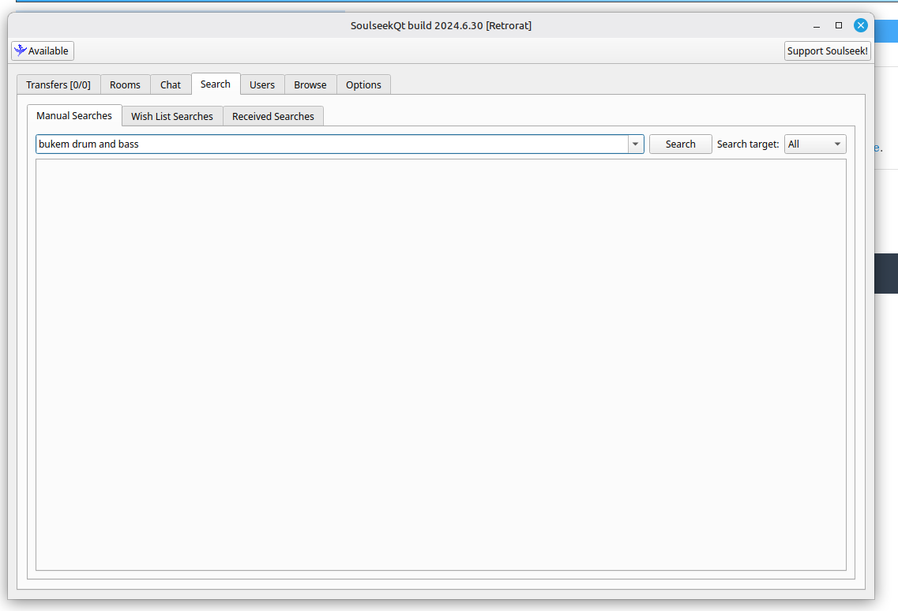
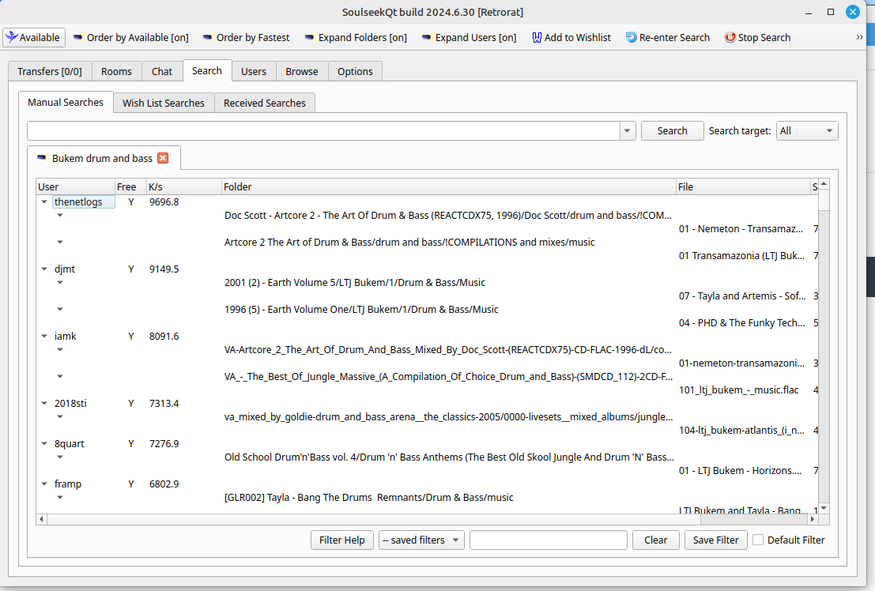
After that the program properly starts and puts you in the Search tab. From here you can start by typing in artists and seeing what you find and want to download!
The rest is very self explanitaorty and you should be able to play around a bit and figure out finer details. One thing to still look at is the Login and File Sharing tabs in the Options!
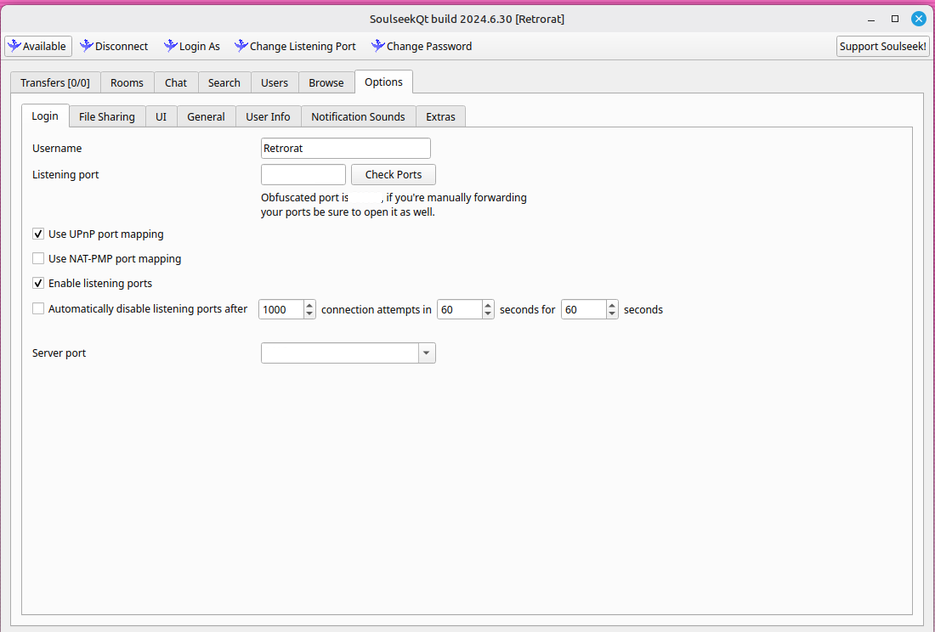
Here at the Login tab you can check to see if your port is open. Meaning your computer and network allowing in-and-out traffic. Often SoulSeek has just found the open port it needed to use for my setups, but you can hit the Check ports buttons to double check!
In the File Sharing tab you can set a few more options regarding how many thing a user can download from you in a session, but also being able to add or remove Shared Folders.
Chat Rooms!
Soulseek also offers some chatrooms to hang in, but I have to warn you that a portion of the people are a little insufferable or trying to be really inflammatory because they're edgy and bored. I have met a few delightyful people through the program, but keep in mind that the only thing we all have in common is file sharing and you can just come across users called "WarpLordHilterusTrump88" who only share copies of Mein Kampf and nationalist black metal records in their folders.